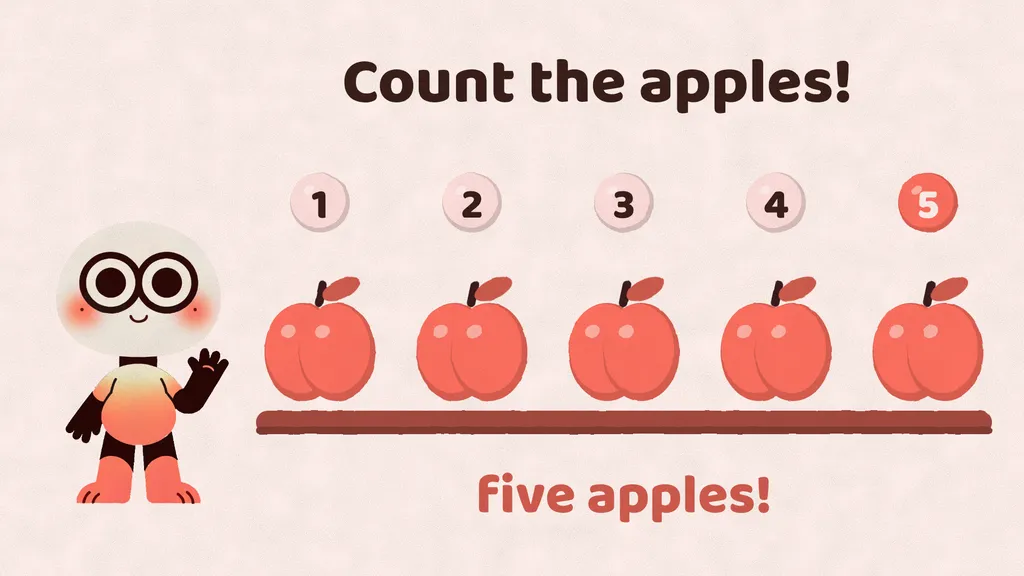
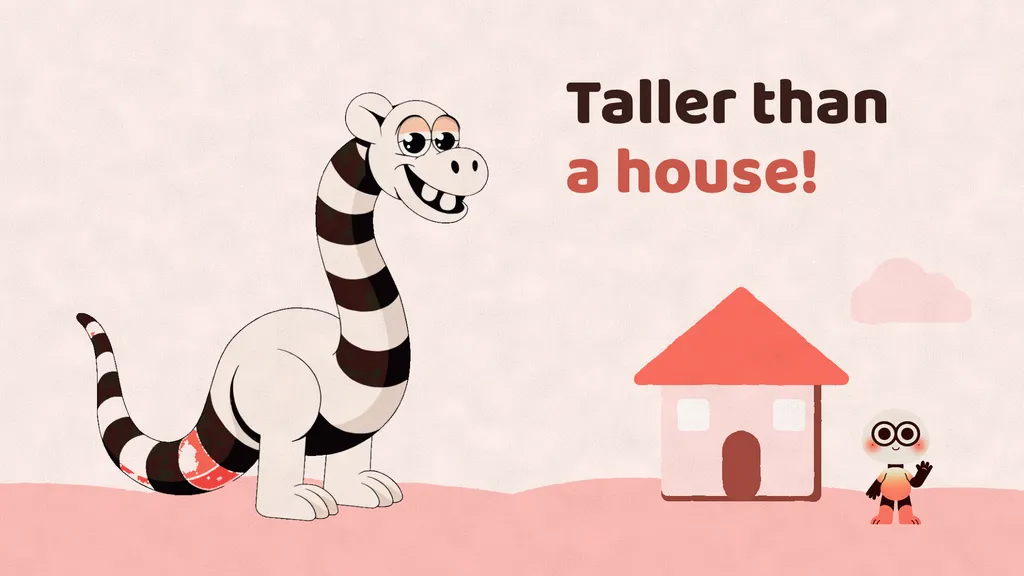
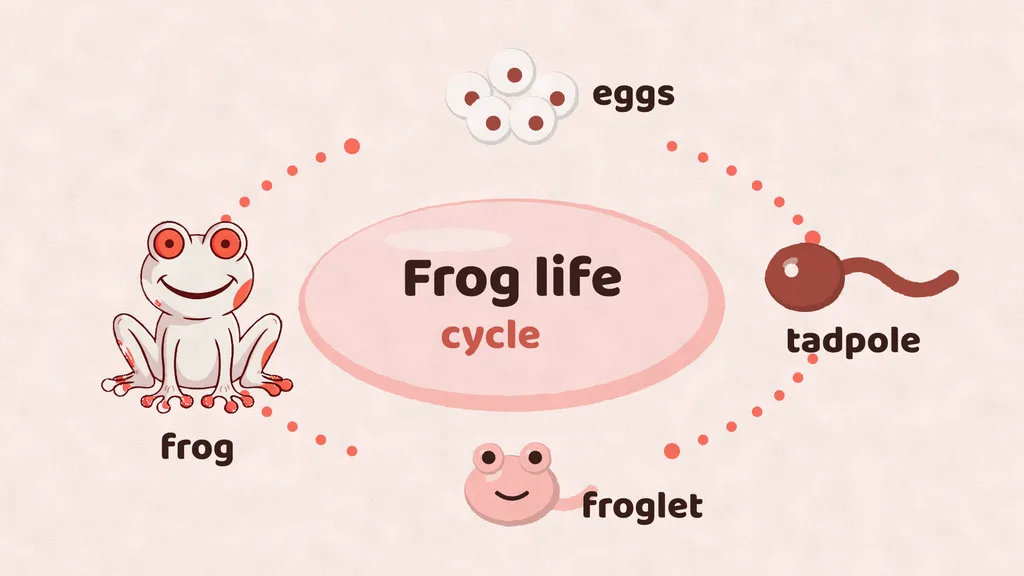
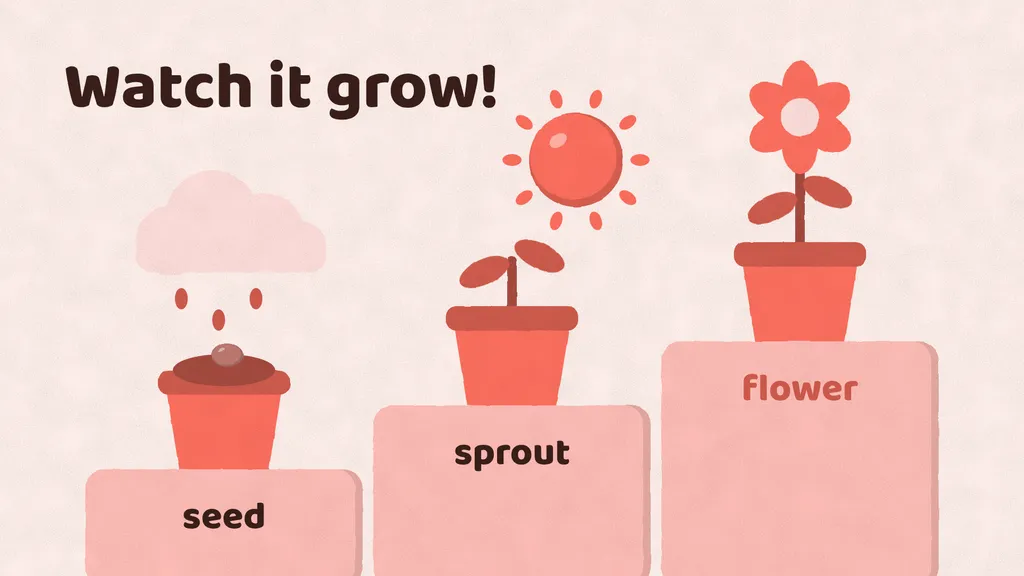
AI content generation platform for video

Let anyone easily create video content with AI

Paste a link, drop in a PDF or a spreadsheet, or just type an idea. Frames reads it, writes the narration, records the voice, draws the pictures and animates a finished video.

Pick an AI voice or record your own. No face swaps, no deepfakes.

Paste a link, add a PDF or an Excel file…Create a video

One idea in. A finished video out.. Frames researches, writes, voices and animates your video. A free-form AI director. It writes its own animation. Nothing is a template. Pictures made for you. Built-in AI picture generation, drawn in the look you pick. Your own voice. Clone it once. Narrate every video in it. Premium-looking videos. Sixteen looks, in 16:9 and 9:16. Built for YouTube monetisation. Original script, voice and visuals, made to follow YouTube's policies. Low cost, cheap changes. Pay by length. First changes free, redraws and renders cost nothing. Telegram alerts. Get a message with the link when your video is ready.

Paste a link. Drop a file. Get a video.

No prompts to engineer. Add what you already have and Frames does the rest, with you approving the script and the voice.

Paste a link

Drop in an article, a blog post, a docs page or a GitHub repo. Frames reads it and turns it into a narrated, animated video.

https://yoursite.com/how-black-holes-form
A narrated explainer video

Add an Excel file

Upload a spreadsheet. Frames reads the sheets and makes a video report: the key numbers, the trends and what they mean, scene by scene.

q3-sales.xlsx
A video report of your data

Add a PDF

Upload a PDF or a Word document: a paper, a report, a handout. Frames explains it as a video, in a look and a voice you choose.

climate-paper.pdf
An explainer of the document
  1. 1Add your link or file
  2. 2Approve the script and the voice
  3. 3Get your finished video

You can also type an idea, paste a script, or add text files and pictures.

Why u2ube Frames?

Everything between an idea and a finished video, in one place.

Made for content creators

Explainers, lessons, stories, comparisons and more, researched, written and made for you.

Your own director

Frames writes real animation code for each video, so nothing looks like a template.

Ready? You'll know

Start a video and step away: Frames messages you on Telegram when it is done, with a link to watch it on your phone.

Everything Frames can do

From research to Telegram, one workflow for explainers, lessons and stories.

Make videos from Telegram

Message Frames a topic or an idea and get the finished video link back. Check the status of every video from your phone.

Live voice recording

Narrate in natural AI voices, or clone your own by recording yourself live, reading the script shown on screen. Voice files cannot be uploaded.

Looks and your colours

Choose from many looks, set your colour theme and font, and pick the format: landscape 16:9 or portrait 9:16.

Edit by chatting

Ask for any change in chat, pointing at a scene by name, number or time. Undo and redo any version.

Real animation, not templates

Frames writes custom animation code for every video, powered by Remotion, on ready-made looks, then checks its own layout before it finishes.

No face generation, no deepfakes

Frames makes illustrated, animated explainers. It has no face swaps, talking avatars or voice imitation of other people.

For lessons and explainers

Explainers, school lessons, math, history and how-it-works videos, each in a look made for it.

Render when you are ready

Nothing is rendered until you press Render. Pick a speed, and download the MP4.

Your sources

Paste links, upload PDFs, Word and Excel files, text and pictures, and Frames writes the script from them, with you approving the script, voice and storyboard.

Stop spending days on every video.

Frames is your all-in-one content generation platform. It turns a topic into a narrated, animated video, with research, script, voice, pictures and animation included, and you stay in charge of the script, voice, theme and storyboard at every step.

Start directing with Frames
  • 1 Script reviewed
  • 2 Voice recorded
  • 3 Theme and style chosen
  • 4 Storyboard approved
  • 5 Animated and ready to render

Review every step before it costs you a frame.

Nothing is animated until you approve the plan. After that, ask for any change in chat, pointing at a scene by name, number or time.

Sixteen looks for every kind of content

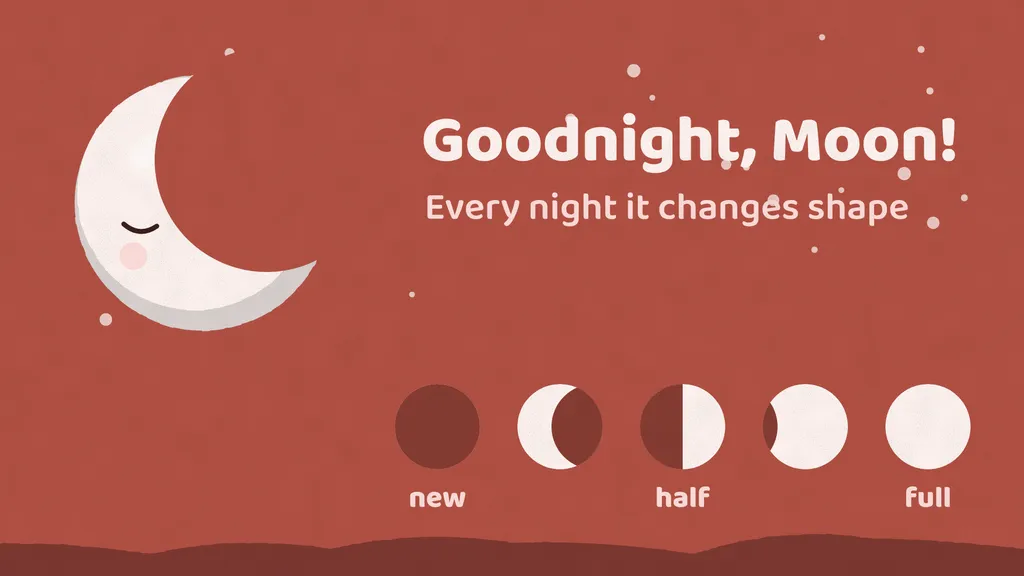
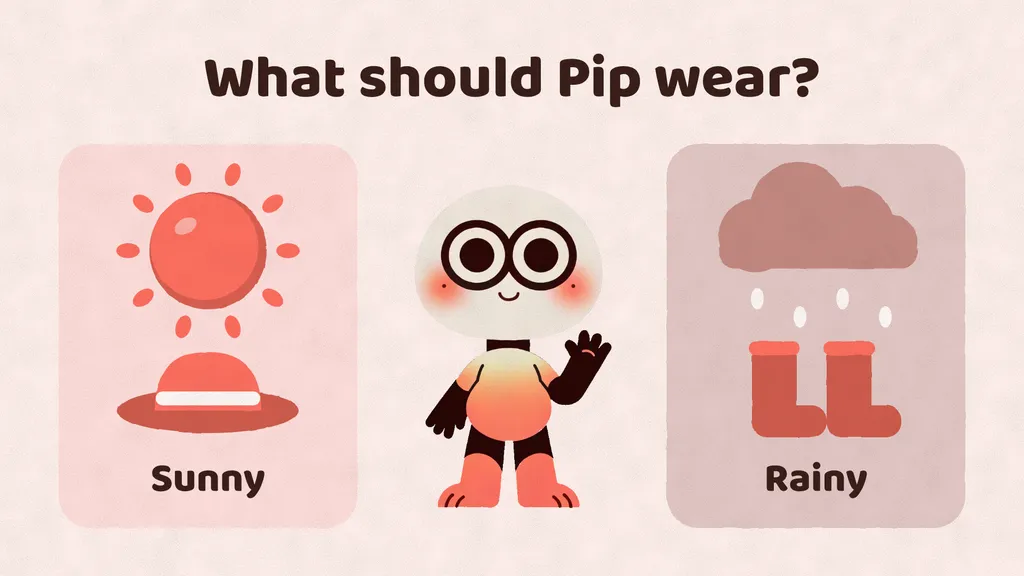
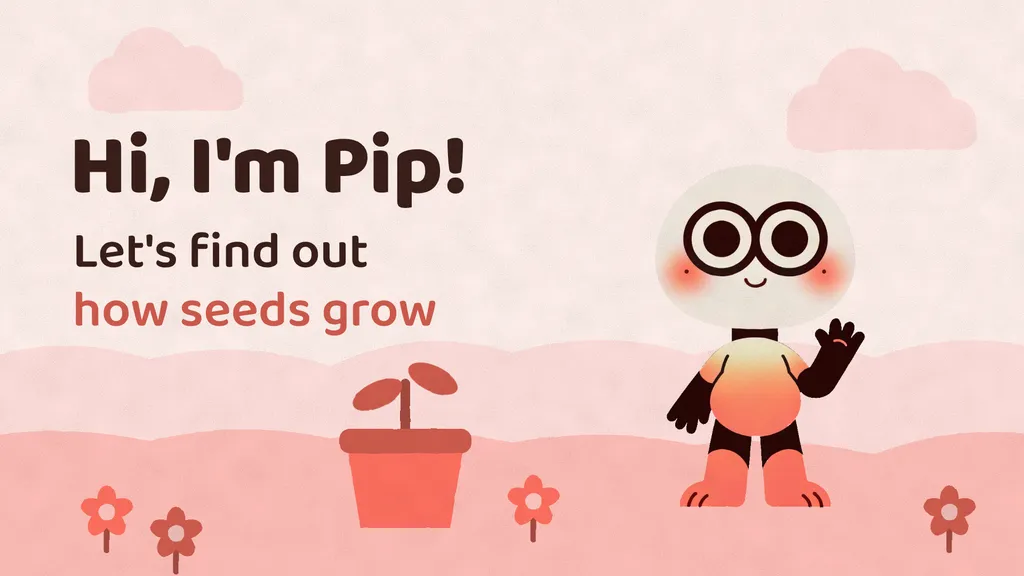
Paper cutouts, blueprints, news collages, chalkboards and more, each with its own way of writing, drawing and moving. Pick any of them to see its frames.

Kids illustrated video look, frame 1

Kids illustrated

A friendly character and soft storybook drawings

How Frames works

From your first idea to the final cut. Explore each step.

Step 01 / 04

Start with a little direction.

Give Frames a topic, a rough idea, or a finished script. Frames researches it and shapes the narration.

Your idea becomes the story.

Why is the sky blue?
A story takes shape

Sunlight looks white, but it carries a whole spectrum of colors.

Choose the best plan for you

Start with 10 free trial credits, enough for a 1-minute video. Paid plans add monthly credits and Telegram notifications.

Starter

14 minutes of narrated explainer videos a month, in every standard style, with ElevenLabs voices.

$24 / month

$290 billed yearly

Get started

1,680 credits a year, all up front

That makes about:

  • In standard stylesup to ~168 min of video
  • Video styles: standard
  • Telegram message when each video is ready
  • ElevenLabs voices and 1 instant-cloned voice (your own)
  • AI changes to every video: the first ones free, then credits
  • Render up to 2x faster
  • 1 channel
  • 2 GB storage
  • Email support

Standard

28 minutes of narrated explainer videos a month, in every standard style, with ElevenLabs voices.

$49 / month

$590 billed yearly

Get started

3,360 credits a year, all up front

That makes about:

  • In standard stylesup to ~336 min of video
  • Video styles: standard
  • Telegram message when each video is ready
  • Video ideas from web searches on your topics
  • ElevenLabs voices and 1 instant-cloned voice (your own)
  • AI changes to every video: the first ones free, then credits
  • Render up to 4x faster
  • 1 channel
  • 5 GB storage
  • Email support

Plus

Recommended

59 minutes of video a month (23 in premium styles), every style, guided research and your own cloned voice.

$99 / month

$1190 billed yearly

Get started

7,080 credits a year, all up front

That makes about:

  • In standard stylesup to ~708 min of video
  • Video styles: standard
  • Telegram message when each video is ready
  • Video ideas from web searches on your topics
  • ElevenLabs voices and 1 instant-cloned voice (your own)
  • AI changes to every video: the first ones free, then credits
  • Render up to 8x faster
  • 2 channels
  • 10 GB storage
  • Email support

Instant voice cloning · every plan

Record about a minute of your voice and Frames narrates in it within seconds. Close to you, and great for most videos.

A video uses credits by its length and style when it is first made. Its first AI changes are free, then they use a few credits each. Renders are free.

Give Frames the direction. Let your video workflow run.

Pick your topics and set your preferences. Connect Telegram to keep Frames within reach.

Start for free

Questions, answered

What does Frames make?

Narrated, animated video content: explainers, lessons, tutorials, math walkthroughs, history stories, comparisons and more, in sixteen looks, as 16:9 or 9:16 MP4.

What can I turn into a video?

Paste a link to an article, page or repo; upload a PDF, a Word document or an Excel spreadsheet (you get a video report of its numbers); add text files and pictures; or just type an idea or a script. Frames reads what you add, writes the script, and you approve it before anything is animated.

Can I steer the video?

Yes. You review the script, voice, theme and storyboard before Frames animates, then ask for changes in chat, on any scene.

Will I know when my video is ready?

Yes. Connect Telegram and Frames messages you when a video, a change or a render is done, with a link to watch it on your phone. Videos are made in the app.

How do credits work?

A video uses credits by its length and style when it is first made. Its first AI changes are free, then each change uses a few credits by its size. Redraws and renders are free.

Can I use my own voice?

On every plan, including the free trial, you record yourself reading a short text and Frames narrates in your cloned voice.

Can I upload any voice file?

No. You must record your voice live while reading the script shown on screen.